Broken Today, Fixed Today
IT Support in Indianapolis, Indiana
Stop restarting it and hoping. Get it looked at.
IT Support for Indianapolis Offices
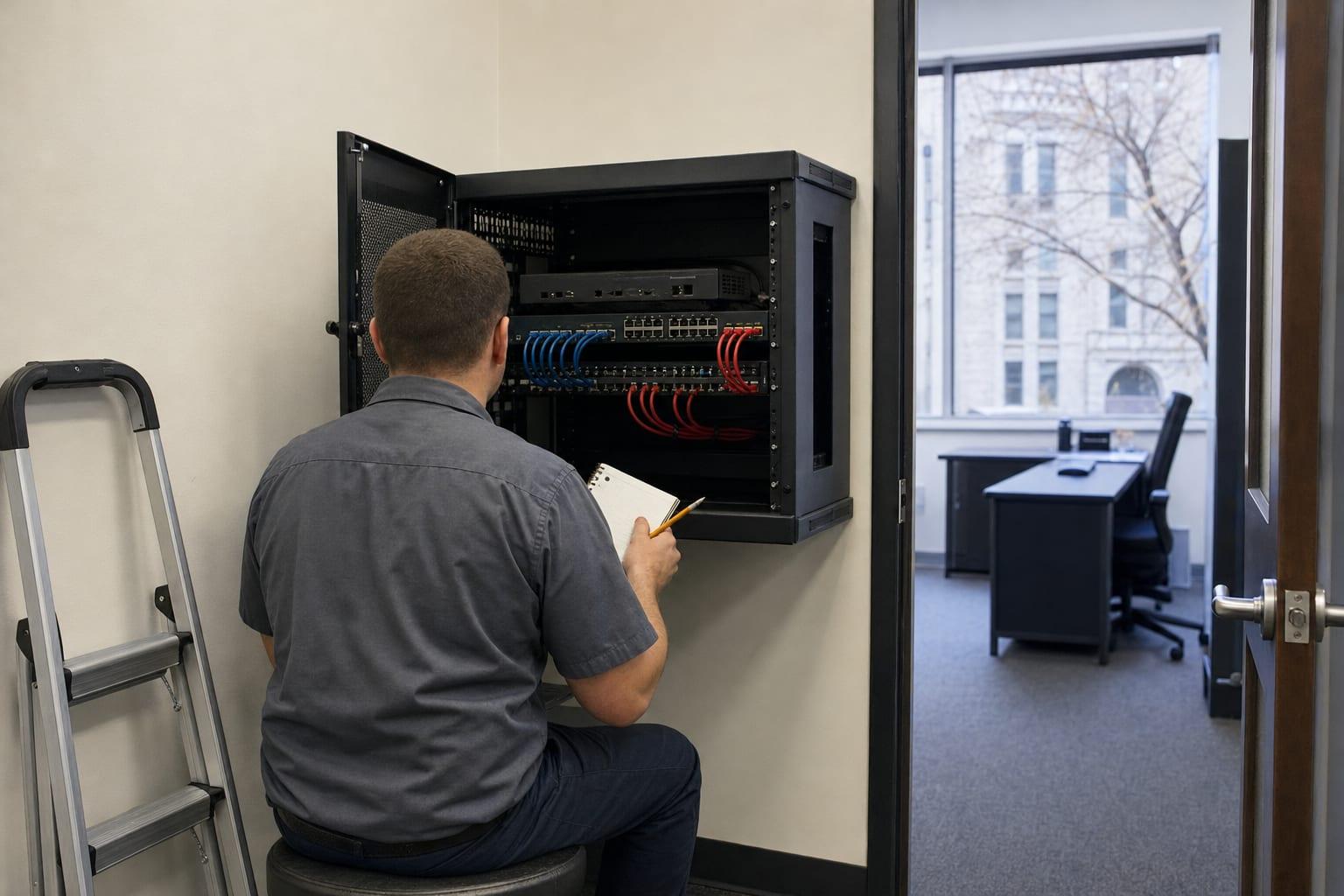
IT support in Indianapolis gives your staff a technician for lockouts, email faults, slow PCs, dropped Wi-Fi and failed hardware. Most problems are fixed by remote session, and a visit is booked for equipment. Email contact@managedserviceproviderindianapolis.com for a custom quote.
Support is about the specific thing. Outlook asks for a password every ten minutes. The scanner sends to a folder that no longer exists. One laptop refuses the conference room display. A technician traces each one to its cause and writes down the fix.
Then comes the pattern. Three tickets about slow file access in one week is not three problems. It is one failing drive or one overloaded switch, and a decent support desk says so.
IT Support Services: What a Technician Handles
These are the requests that fill a support queue. If your week looks like this list, you already know why you are reading.
Account Lockouts
Forgotten passwords, expired sign-ins and a lost phone that held the authenticator app.
Email Trouble
Mail stuck in the outbox, a mailbox that is full, or a calendar that stopped syncing to the phone.
Slow or Dead PCs
A full disk, failing memory or a startup list with thirty programs in it. Found, fixed or replaced.
Wi-Fi and Internet Drops
The technician works out whether the fault is the carrier, the router or one overloaded access point.
Printers and Scanners
Jobs stuck in the queue, scan-to-email that stopped, or a printer that changed its network address.
On-Site Hardware Work
A new dock, a replacement monitor or a switch swap. Scheduled once remote checks rule out the easy causes.

How IT Support Requests Are Handled
You Report It
A call or an email with what happened and what was on the screen.
Ticket Opened
The request is logged with its urgency and the device involved.
Remote Session
With your permission, a technician connects and works the problem while you watch or step away.
Visit if Needed
Hardware faults get a scheduled trip with the likely part in hand.
Closed With Notes
You are told what failed and what was changed, in plain words.
Why Choose Us for IT Support?
The Cause, Not Just the Symptom
A repeat problem gets traced back instead of patched over a fourth time.
Remote First
Most fixes need no drive across town. Hardware gets a scheduled visit.
Every Fix Recorded
Tickets keep a history, so the next technician does not start from zero.
No Blame for Asking
Staff can report a small problem early, before it becomes a large one.
IT Support Cost in Indianapolis
| Option | Price | What Sets the Price |
|---|---|---|
| Monthly support plan | Custom quote | Staff and devices covered |
| Hourly support | Custom quote | How often you call and how urgent the work is |
| On-site visit | Custom quote | Travel, parts and time in the building |
Hourly support looks cheaper until the month something big fails. Ask each provider what an after-hours call costs and whether there is a minimum charge per visit. Those two lines explain most surprise invoices.
Talk to an Indianapolis IT Team
Say what broke and how many people it is slowing down.
Call (765) 534-2517Get a Free Quote
No obligation.

Areas We Cover in Indiana
IT Support Questions
What is the role of IT support?
The role of IT support is to keep staff working. A technician fixes lockouts, email faults, slow computers and network drops, sets up new equipment and records each fix. Good support also spots repeat problems and removes the cause.
What tools do IT technicians use?
IT technicians use remote access software to see your screen, a ticketing system to track requests and monitoring agents that report disk space, updates and hardware health. On site they carry a cable tester, spare patch cables, a USB network adapter and a label maker.
What is the difference between IT support and managed IT?
IT support reacts to a request and fixes it. Managed IT adds the scheduled work between requests, such as patching, backup checks and monitoring, for a set monthly fee. Support alone suits a small or simple office. Managed IT suits one that cannot afford downtime.
Can IT support work on Macs and PCs in one office?
IT support can cover Macs and Windows PCs in the same office, along with phones and tablets. Mixed offices are common in design, legal and medical work. Tell the provider the split up front so the right management tools are quoted.
Our Services in Indianapolis, IN
- Managed IT Services
- Small Business IT Support
- IT Services
- IT Consulting
- IT Help Desk
- Cybersecurity
- Penetration Testing
- Network Support
- Business Phone Systems
- Security Camera Installation
- Access Control
- Structured Cabling
- Conference Room AV
- IT Compliance
- Remote IT Support
- IT Onboarding and Offboarding
- Application Support
- Printer Support